eBay Gift Cards: The Complete Guide to Buying, Redeeming, and Using Them Safely
Meta Title: eBay Gift Cards: How to Buy, Redeem, Check Balance & Use Safely
Meta Description: Learn everything about eBay Gift Cards, including how they work, where to buy them, how to redeem them, how to check your balance, and how to avoid scams.
Suggested URL Slug: /ebay-gift-cards-guide
Introduction: Why eBay Gift Cards Are Still a Smart Gift Choice
Finding the perfect gift can be difficult, especially when you are buying for someone who likes different things. That is where eBay Gift Cards become useful. Instead of guessing what someone wants, an eBay Gift Card gives them the freedom to shop from a wide range of products, including electronics, fashion, collectibles, home items, auto parts, toys, and more.
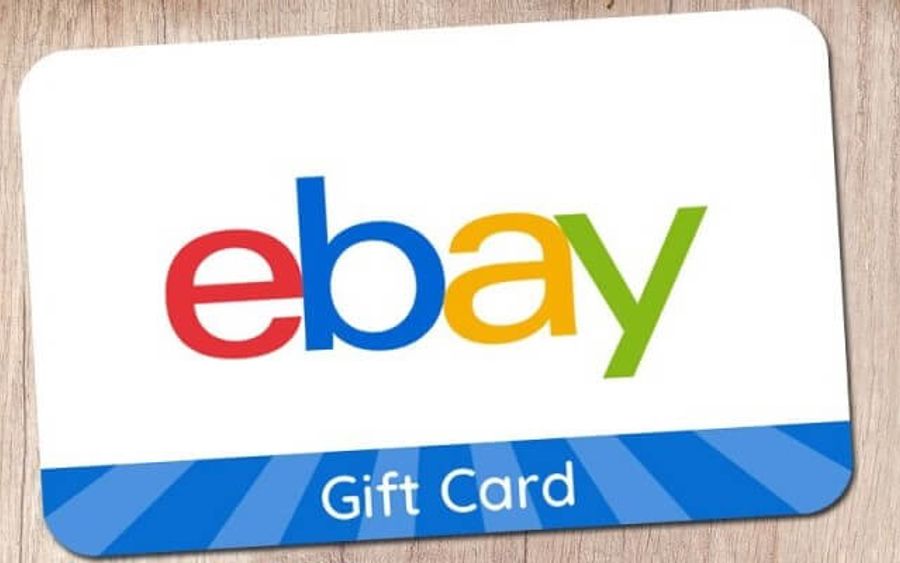
An eBay Gift Card is a prepaid card that can be used at checkout on eBay.com or through the eBay mobile app. According to eBay’s official terms, eBay Gift Cards are redeemable toward eligible purchases on eBay’s website or app. (eBay)
Whether you are buying one as a birthday gift, holiday present, appreciation gift, or personal shopping card, this guide explains everything you need to know before using one.
Quick Answer: What Is an eBay Gift Card?
An eBay Gift Card is a digital or physical prepaid card that allows the cardholder to pay for eligible items on eBay. The card comes with a redemption code, which is entered during checkout in the “Gift cards and coupons” section. eBay’s help page explains that users can apply the gift card at checkout and pay any remaining balance with another payment method if the gift card does not cover the full order total. (eBay)
In simple terms:
An eBay Gift Card works like shopping credit for eBay.
Why People Buy eBay Gift Cards
1. They Give the Receiver More Choice
One major reason people love eBay Gift Cards is flexibility. Instead of buying someone a product they may not like, you give them the power to choose what they actually want.
For example, the receiver can shop for:
- Phones and accessories
- Laptops and electronics
- Sneakers and fashion items
- Baby products
- Home décor
- Collectibles
- Auto parts
- Gaming accessories
- Beauty products
- Tools and equipment
2. They Are Useful for Online Shopping
eBay is known for having both new and pre-owned products. This means a shopper can often compare prices, conditions, sellers, shipping options, and product availability before buying.
3. They Work Well for Special Occasions
eBay Gift Cards can be used for many occasions, including:
- Birthdays
- Christmas
- Graduation gifts
- Wedding gifts
- Baby shower gifts
- Employee appreciation
- Customer rewards
- Personal shopping budgets
4. They Are Easy to Redeem
Redeeming an eBay Gift Card is straightforward. The buyer simply adds an item to their cart, goes to checkout, enters the gift card code, applies it, and confirms payment. eBay’s official FAQ explains that physical cards have the redemption code on the back, while digital cards usually provide the code through email. (eBay)
Where Can You Use an eBay Gift Card?
An eBay Gift Card is mainly used on eBay.com or the eBay app. It is not a general cash card, bank card, or Visa card. It is meant for purchases on eBay.
Important Note:
eBay Gift Cards should only be used at checkout on eBay. eBay warns users not to send gift card codes to anyone outside eBay checkout because that is a common scam method. (eBay)
You can place a hyperlink here in your blog like this:
Useful Link: Learn more from the official eBay Gift Card Help Page.
How to Buy an eBay Gift Card
Buying an eBay Gift Card is usually simple. Depending on availability, buyers may find them as physical cards or digital cards.
Physical eBay Gift Cards
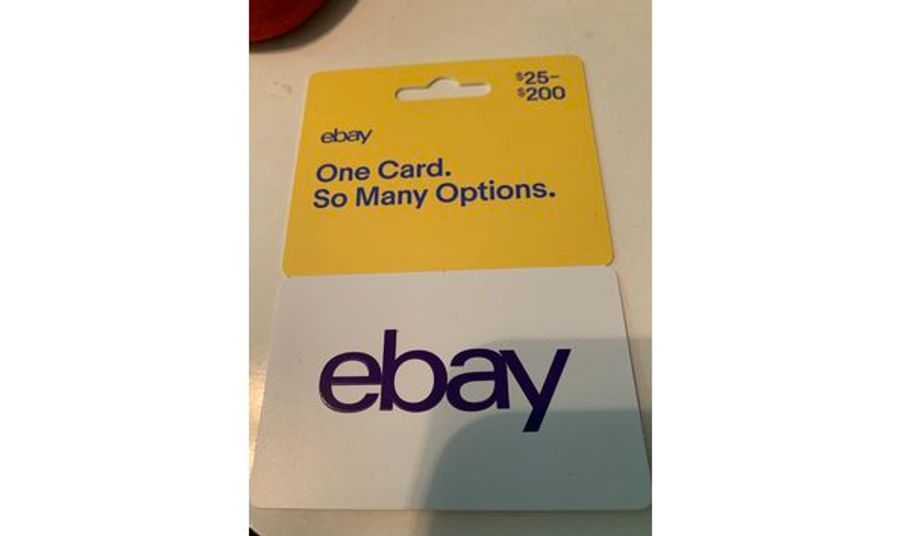
A physical card is usually purchased in-store. It has a scratch-off area at the back where the redemption code is hidden.
Digital eBay Gift Cards
A digital eBay Gift Card is sent by email. The buyer or receiver gets the redemption code electronically. This is convenient when you need a fast gift.
Before Buying, Check These Things
Before purchasing an eBay Gift Card, always check:
- The card value
- The card activation status
- The seller or retailer’s reliability
- The receipt or proof of purchase
- Whether it is physical or digital
- The region or account restrictions
- The redemption rules
eBay’s FAQ notes that an eBay Gift Card may take up to 4 hours to activate and become ready for redemption. (eBay)
How to Redeem an eBay Gift Card
Redeeming your eBay Gift Card is one of the most important parts of the process. Here is a clear step-by-step guide.
Step 1: Log in to Your eBay Account
Go to eBay and sign in to your account. eBay’s FAQ says users need an eBay account to use an eBay Gift Card. (eBay)
Step 2: Choose the Item You Want to Buy
Search for the product you want and add it to your cart.
Step 3: Go to Checkout
After adding the item to your cart, proceed to checkout.
Step 4: Enter the Gift Card Code
At checkout, scroll to the “Gift cards and coupons” section. Enter the gift card redemption code exactly as shown.
Step 5: Click Apply
After entering the code, click Apply. Your order total should update if the card is valid.
Step 6: Confirm and Pay
Check your shipping details, payment details, and order total. Then select Confirm and pay. eBay’s official instructions follow this same checkout process. (eBay)
Can You Use an eBay Gift Card With Another Payment Method?
Yes. If your eBay Gift Card balance is not enough to cover the full purchase, you can pay the remaining amount using another payment method. eBay says buyers can use another payment option, such as a credit card, Apple Pay, Google Pay, or PayPal, for the remaining cost. (eBay)
Example:
If your item costs $120 and your eBay Gift Card has $75, you can apply the gift card first and pay the remaining $45 with another accepted payment method.
What Happens If You Do Not Use the Full Balance?
If your order total is less than your gift card balance, the remaining amount may stay linked to your eBay account for future purchases. eBay explains that after using a gift card, any remaining balance is attached to the same eBay account, and users should use that same account to redeem the remaining balance later. (eBay)
Example:
You have a $100 eBay Gift Card.
You buy an item for $60.
The remaining $40 stays available for future eligible purchases on the same account.
Things You Cannot Buy With an eBay Gift Card
eBay Gift Cards are not accepted for every item or transaction. According to eBay’s FAQ and terms, gift cards may not be used to buy other eBay Gift Cards, third-party gift cards, gift certificates, coupons, coins, paper money, virtual currency, or bullion-related items such as gold and silver bars or coins. (eBay)
Restricted Purchases May Include:
- Other gift cards
- Third-party gift cards
- Coupons
- Virtual currency
- Coins and paper money
- Bullion items
- Certain restricted categories
Before checkout, always confirm that the item you want is eligible for gift card payment.
Do eBay Gift Cards Expire?
eBay’s community support pages and official FAQ commonly state that eBay Gift Cards do not expire, but the safest approach is to always check the specific terms attached to your card and region before relying on it long-term. eBay’s official terms also say the gift card is subject to its listed conditions. (eBay)
Best practice: Use your gift card as soon as you reasonably can and keep your receipt until the card balance is fully used.
How to Check Your eBay Gift Card Balance
The easiest way to check your eBay Gift Card balance is during checkout or through eBay’s gift card balance-related tools. eBay’s FAQ says users can check the card balance in the Gift cards and coupons section at checkout. (eBay)
To Check Your Balance:
- Sign in to your eBay account
- Add an eligible item to your cart
- Go to checkout
- Find the Gift cards and coupons area
- Enter or select your gift card
- Review the applied balance
You can also place this hyperlink in your post:
Helpful Link: Visit the official eBay Gift Cards page.
Common Problems With eBay Gift Cards and How to Fix Them
Problem 1: “The Gift Card Code Is Not Working”
This may happen if:
- The code was typed incorrectly
- The card has not been activated yet
- The card has already been used
- The item is not eligible
- The account or shipping address does not meet eBay’s requirements
- The card is linked to another eBay account
eBay says gift cards may take up to 4 hours to activate, so if the card was just purchased, waiting may help. (eBay)
Problem 2: “The Email With My Digital Gift Card Has Not Arrived”
If the card was sent by email, check:
- Spam folder
- Junk folder
- Promotions folder
- The email address used at checkout
- Whether the seller can resend the email
eBay’s FAQ says digital gift card emails may take up to 3 hours to arrive. (eBay)
Problem 3: “My Balance Is Not Showing”
Make sure you are using the same eBay account where the gift card was first redeemed. eBay explains that remaining balances are attached to the account used for the original gift card purchase or redemption. (eBay)
Problem 4: “I Am Being Asked to Send the Code to Someone”
Do not send it. This is a major warning sign. eBay clearly states that users should never give or send their eBay Gift Card code to anyone outside eBay checkout. (eBay)
How to Avoid eBay Gift Card Scams
Gift card scams are very common because gift card codes work almost like cash. Once someone has the redemption code, they may be able to use the card.
Safety Rules to Follow
- Never send your gift card code to a stranger
- Never use an eBay Gift Card to pay outside eBay
- Never trust anyone who creates urgency and asks for gift cards
- Never share the code through WhatsApp, Instagram, Facebook, email, or SMS
- Only enter the code directly at checkout on eBay
- Keep your receipt and physical card until the balance is fully used
eBay warns that if a seller says they only accept payment by gift card, you should not continue because it is likely a scam. (eBay)
Safety Tip Box:
Treat your eBay Gift Card code like cash. If someone pressures you to send the code, stop immediately and report the situation.
Benefits of eBay Gift Cards
1. Flexible Shopping
The receiver can choose what they want instead of being limited to one product.
2. Great for Hard-to-Shop-For People
If you do not know someone’s size, taste, brand preference, or exact need, a gift card is safer.
3. Useful for Budget Control
Some people use gift cards to control spending. Instead of connecting a bank card, they shop within the gift card value.
4. Good for Last-Minute Gifts
Digital gift cards can be convenient when you need a quick gift.
5. Access to Many Categories
Because eBay has many types of products, one card can serve many shopping needs.
Limitations of eBay Gift Cards
Even though eBay Gift Cards are useful, they also have limitations.
1. They Are Not Cash
You usually cannot redeem them for cash unless required by law. eBay’s gift certificate terms also state that gift certificates are not refundable or redeemable for cash or credit unless required by law. (eBay)
2. They Have Category Restrictions
You cannot use them for every type of item.
3. They May Be Region-Specific
eBay’s U.S. terms mention account and shipping requirements, including the need for a U.S. shipping address for redemption under those terms. (eBay)
4. They Can Be Targeted by Scammers
Because the code is valuable, scammers may try to trick people into sending it.
Best Ways to Use an eBay Gift Card
For Electronics
Use it toward phones, tablets, headphones, smartwatches, or laptop accessories.
For Fashion
Buy sneakers, bags, clothes, watches, or accessories.
For Home Items
Use it for kitchen tools, décor, bedding, storage items, or cleaning gadgets.
For Collectibles
eBay is popular for collectibles like trading cards, vintage items, coins, toys, and rare finds.
For Car Owners
You can use an eBay Gift Card toward eligible car accessories, parts, and tools.
Who Should You Give an eBay Gift Card To?
An eBay Gift Card is a good choice for:
- Online shoppers
- Tech lovers
- Collectors
- Fashion lovers
- Students
- Parents
- DIY enthusiasts
- Car owners
- Gamers
- People who prefer choosing their own gifts
It is especially helpful when you want to give a gift but do not know the person’s exact preference.
eBay Gift Card vs Regular Gift: Which Is Better?
FeatureeBay Gift CardRegular GiftFlexibilityHighLimitedRisk of wrong choiceLowHigherPersonal touchMediumHighEasy to send digitallyYesNot alwaysCan choose from many categoriesYesNoGood for last-minute giftYesSometimes
Verdict:
If you know exactly what the person wants, a regular gift can feel more personal. But if you are unsure, an eBay Gift Card gives the receiver freedom and reduces the chance of buying the wrong item.
Frequently Asked Questions About eBay Gift Cards
1. Can I use an eBay Gift Card without an eBay account?
No. eBay’s FAQ says you need an eBay account to use an eBay Gift Card. (eBay)
2. Do I need PayPal to use an eBay Gift Card?
No. eBay’s FAQ says you no longer need a PayPal account to use an eBay Gift Card when purchasing items on eBay. (eBay)
3. Can I use more than one payment method?
Yes. If your gift card does not cover the full purchase, you can pay the remaining balance with another accepted payment method. (eBay)
4. Can I buy another gift card with an eBay Gift Card?
No. eBay says gift cards cannot be used to buy other eBay Gift Cards or third-party gift cards. (eBay)
5. What if I return an item bought with an eBay Gift Card?
According to eBay’s FAQ, if you return an item purchased with an eBay Gift Card, the refund is credited back to the gift card. (eBay)
6. Is it safe to send my eBay Gift Card code to someone?
No. Never send your code to anyone outside eBay checkout. eBay warns that doing this is a common scam. (eBay)
Final Thoughts: Are eBay Gift Cards Worth It?
Yes, eBay Gift Cards can be worth it if you or the receiver regularly shops on eBay. They are flexible, convenient, and suitable for many occasions. However, the most important thing is to use them correctly and safely.
Only redeem your card through eBay checkout, keep your receipt, avoid suspicious sellers or strangers asking for codes, and always check eBay’s official gift card rules before making a purchase.
Final CTA:
Ready to shop smarter? Visit the official eBay Gift Cards page to learn more about available options and redemption details.
Suggested Blog Styling Ideas
Use these styles when designing the blog:
Heading style: Bold, large, clean font
Body text: Simple readable font like Inter, Arial, or Open Sans
CTA buttons: Blue or black buttons with white text
Warning boxes: Light red or pale yellow background
Tip boxes: Light blue background
Tables: White background with thin grey borders
Hyperlinks: Blue underline or bold blue text
Featured image idea: A clean image of a gift card, laptop, shopping cart, and eBay logo-inspired color theme